
AI Workflow Automation for Small Business (2026): A Practical Best-for Guide to Save Time, Cut Costs, and Stay in Control
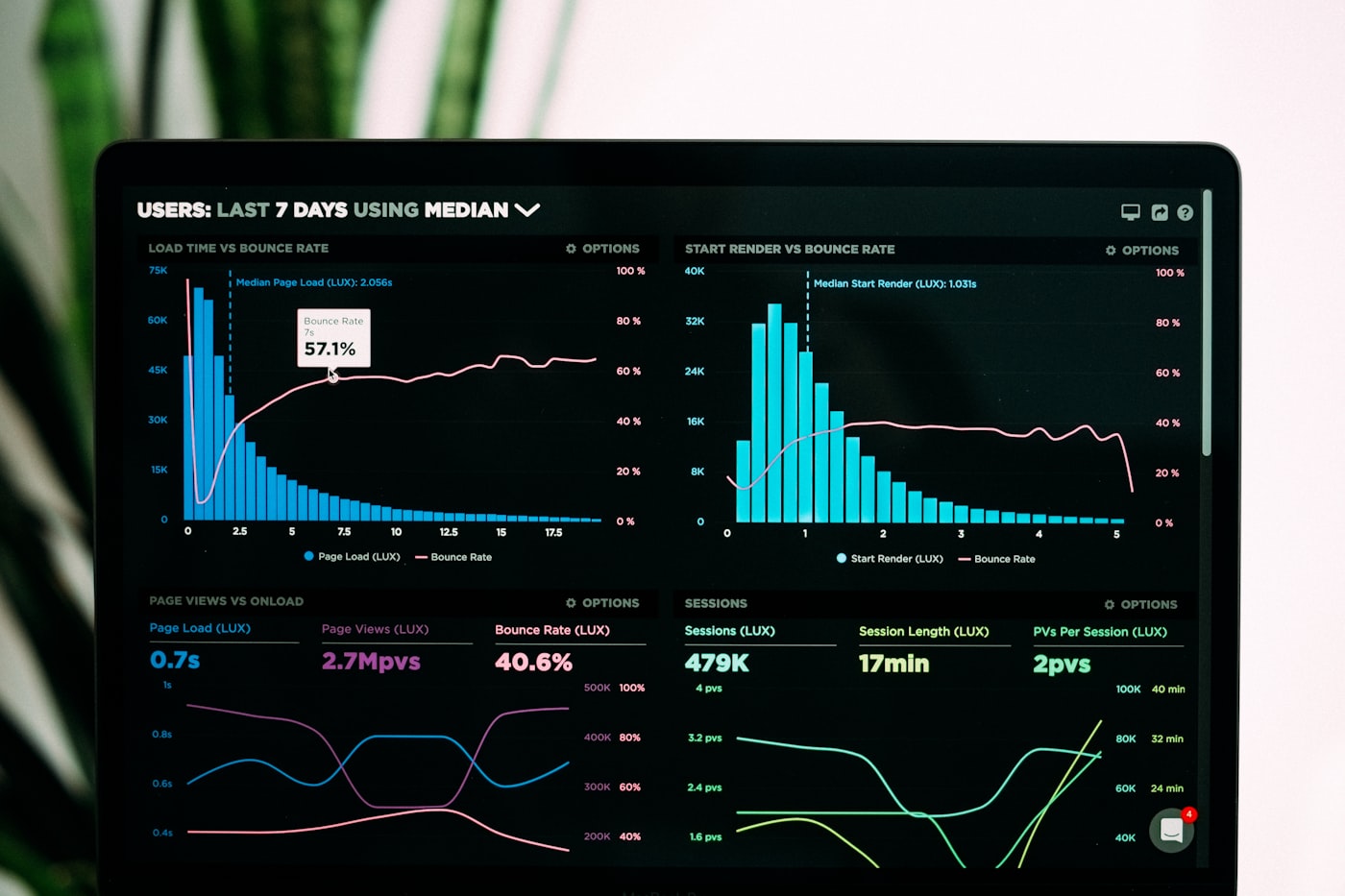
In 2026, many small business owners are finally realizing one hard truth: small business owners can reclaim an average of 10 hours per week through AI automation of scheduling, customer support, and content tasks. That is real time you can put back into customers, revenue, and staff support, not more “tools” to manage.
Key Takeaways
| Area | Detail |
|---|---|
| What to automate first | Scheduling, lead capture, follow-ups, invoice intake, and repetitive support replies. |
| How to avoid chaos | Start with narrow workflows, clear approvals, and measurable outcomes. |
| Where ROI shows up | Lower operational costs, fewer manual steps, and faster response times. |
| What “good” looks like | Automation that reduces errors, stays compliant, and helps your team work faster. |
| How we stay trustworthy | Human-in-the-loop checks for anything customer-facing or financially sensitive. |
| Next step for many owners | Review your current AI readiness via our AI resources and then pick one workflow to pilot. |
Quick answers readers ask
- Q: Is AI workflow automation for small business worth it in 2026? Yes, because scheduling, support, and document processing are now mature enough to reduce manual work quickly.
- Q: Where should we start if we have limited time? Start with one narrow workflow, like lead capture to follow-up, then expand only after you measure results.
- Q: Will automation “break” our customer experience? Not if you set approval gates and keep the human review for customer-facing messages.
- Q: Who should own the process internally? A single process owner, usually operations or the lead admin, should manage data inputs and sign-offs.
Why AI Workflow Automation for Small Business Is Different in 2026
AI workflow automation for small business is no longer just chat-based experiments. In 2026, the practical shift is that businesses are connecting AI to real business steps, like capturing a lead, pulling order details, drafting a response, and routing tasks to the right person.
That matters because small teams do not need “more intelligence.” They need fewer handoffs. They need workflows that do the repetitive parts consistently, while your team stays responsible for the final outcome.
We also see a faster adoption curve in 2026. One reason is simple: automation creates peace of mind by reducing the “will someone remember this?” moments that cost time and money.
Small businesses using AI automation report an average 35% reduction in operational costs within the first year of implementation. — Vertex AI Search (adai.news)
The Best Workflows to Automate First for Small Teams
If you want AI workflow automation for small business to feel helpful, not risky, we recommend starting with workflows that already have clear inputs and predictable outputs.
Here are the best early candidates we see working well for owners and small teams:
- Lead capture to first response: Route inbound forms, draft a reply, and notify the right salesperson or service lead.
- Customer support triage: Categorize requests, pull relevant info, draft responses, and escalate complex cases.
- Scheduling and reminders: Confirm appointments, send reminders, and reduce no-shows with automated follow-ups.
- Document intake and processing: Extract invoice, receipt, or application details and push them into your workflow.
- Content repurposing (internal first): Turn call notes into summaries, draft FAQs, and maintain consistent messaging.
- Internal task management: Turn emails into tasks, set priorities, and route work to the right owner.
In plain terms, the best workflows are the ones that your team already does every week. AI workflow automation for small business works best when you automate steps you can describe in order.
How to Choose the Right Automation Scope (So It Actually Works)
Most automation failures are not caused by AI. They are caused by vague scope. In 2026, we recommend designing workflows like you would a checklist, with explicit start points, decision points, and end points.
Use this scope test before you build:
- Input clarity: What data triggers the workflow, like an email, a form, or a PDF?
- Output clarity: What should the workflow produce, like a ticket, a draft email, or a task?
- Decision rules: What requires human approval, like pricing changes or anything sensitive?
- Quality bar: How will you measure “good,” like fewer back-and-forth messages or fewer misrouted tasks?
- Fall back behavior: If the AI is uncertain, what should happen next?
Our peace-of-mind approach: Start narrow, add guardrails early, and only expand when the workflow behaves consistently for your business.
AI Workflow Automation for Small Business: A 5-Step Implementation Roadmap
To keep things simple, we follow a repeatable process for AI workflow automation for small business. It reduces stress because you always know what comes next, what you need from your team, and what success looks like.
Step 1: Map your workflow as it is today. Write down each handoff and where delays happen.
Step 2: Identify automation candidates. Pick steps with high volume, repetitive text, or consistent data formats.
Step 3: Build with controls. Add approval gates, confidence thresholds, and fallbacks for unclear cases.
Step 4: Test with real examples. Use last month’s emails, invoices, and tickets to validate quality before going live.
Step 5: Measure and improve. Track time saved, cost reduction, and customer experience indicators.
This structure helps prevent the “we built a bot, but nobody uses it” outcome.
Security First: Guardrails That Protect Customers and Your Data
AI workflow automation for small business can feel risky if it touches customer data or financial workflows without controls. That is why we build with security first, because your peace of mind is our top priority.
Here are practical guardrails we recommend in 2026:
- Role-based access: Only the right people can view or approve sensitive outputs.
- Human-in-the-loop for customer-facing actions: Draft messages can be automated, sending should usually be approved.
- Audit trails: Keep records of what was processed, what was generated, and who approved it.
- Data minimization: Feed the workflow only the fields it needs for the task.
- Output filtering: Prevent actions like “change billing” without explicit review.
When we combine these guardrails with narrow scope, automation becomes a helpful extension of your team, not a new source of stress.
Document Processing and Invoicing: Where Automation Pays Fast
If you process invoices, receipts, applications, or forms, document workflows are often the fastest path to measurable wins. In 2026, automated document processing pipelines can cut per-item handling time from 5 minutes to under 30 seconds, which is exactly the kind of change that shows up in monthly capacity.
Here is what a practical AI workflow automation document pipeline looks like:
- Collect: Email an inbox or portal where staff receive documents.
- Extract: Use AI to parse key fields like vendor, date, invoice number, totals.
- Validate: Check extracted fields against rules (format, required fields, totals sanity checks).
- Route: Send approved records to your accounting system workflow or task board.
- Escalate exceptions: Anything missing triggers a task for a human to correct.
The benefit is not just speed. It is fewer errors caused by manual copy-and-paste, and fewer “where is that document?” moments.
Turn Scheduling and Customer Support Into Always-On Workflows
For many small businesses, AI workflow automation is most visible in two areas: scheduling and customer support. That is because response time directly affects bookings, conversions, and retention.
In 2026, the practical target is to make your business feel responsive even when your team is busy. Here are the most common patterns:
- Scheduling: Confirm availability, propose times, send calendar invites, and handle reschedules.
- Support triage: Classify requests by type, draft an answer using your policy info, and create a ticket with next steps.
- Follow-ups: Trigger reminders when a customer has not responded within a set window.
If you use a “golden hour” mindset, you stop chasing leads later. Automated routing and fast first responses help ensure the right person sees the request quickly.
Well-scoped AI automation projects for SMBs typically achieve a full payback period within 2 to 5 months. — The AI Journal (2026)
What to Expect from Costs, Payback, and Rollout Speed in 2026
When owners ask about AI workflow automation for small business, they usually mean one question: “Will this pay off quickly and will it create more work first?” In 2026, many teams are choosing smaller pilots because it lowers risk.
Here is a realistic rollout expectation we see work well for small businesses:
- Start small: One workflow, one team, one location or one service line.
- Pilot with real data: Use last month’s examples to validate quality and routing.
- Measure weekly: Track time saved, errors, and customer response outcomes.
- Expand only after stability: Once the workflow performs consistently, broaden to the next workflow.
Also, keep a simple cost model. You are comparing staff hours spent on repetitive steps versus automation costs, plus your internal time for review and maintenance.
If we have to summarize the business case in one line: AI workflow automation for small business works best when it reduces operational friction quickly, then you scale what already works.
AI Automation Readiness Checklist (Use This Before You Build)
Before you implement AI workflow automation for small business, we recommend checking readiness. This is how we prevent surprise problems and protect peace of mind.
| Area | What to confirm |
|---|---|
| Data quality | You can reliably capture the fields your workflow needs. |
| Workflow ownership | One person owns sign-offs, updates, and exceptions. |
| Approval rules | You know what must be approved before action is taken. |
| Testing plan | You will test with real examples, not guesses. |
| Metrics | You can measure time saved, cost change, and quality. |
If you want a calmer path, start with our AI resources so your team understands what “good” looks like before you invest time in setup. And if you want to talk it through, reach us at contact us.
How We Help Small Business Teams Adopt AI Workflow Automation Without Losing Control
We build AI workflow automation for small business with one guiding goal: your team should feel supported, not replaced. That means we focus on predictable workflows, clear responsibilities, and security-first guardrails.
Our approach typically includes:
- Identifying your highest-volume tasks and mapping them to automation steps
- Designing approval rules and exception handling so automation never “runs wild”
- Testing workflows with real samples to validate quality in your business context
- Training your team on what changes day-to-day and what stays the same
- Monitoring results so you can expand confidently
When done correctly, automation becomes an extension of your operations. You spend less time repeating the same actions, and more time managing customers and growth.
Conclusion
AI workflow automation for small business in 2026 is about practical time savings with real guardrails. We start with narrow workflows like scheduling, customer support, and document processing, then we measure results and expand only after performance is stable.
If you want peace of mind while adopting AI workflow automation for small business, keep the scope tight, prioritize approvals for sensitive actions, and track the metrics that matter to your team. When automation is designed for your actual business steps, it becomes something you can rely on, not another system to babysit.
Frequently Asked Questions
How do I start AI workflow automation for small business if we have no technical team in 2026?
Start with one workflow that already has clear inputs and outputs, like lead capture to first response or appointment scheduling confirmations. In 2026, AI workflow automation for small business works best when you pilot with real examples, then add approval gates before anything customer-facing is sent.
Is AI workflow automation for small business worth it in 2026 if our budget is tight?
In 2026, AI workflow automation for small business is often worth it because automation can reduce operational costs, recover staff time, and speed up customer responses. Many well-scoped projects reach payback within 2 to 5 months, especially when you automate repetitive steps.
What workflows should we automate first with AI workflow automation for small business?
We recommend starting with scheduling, customer support triage, lead follow-ups, and document intake like invoices and receipts. These areas usually have consistent formats and high volume, which makes AI workflow automation for small business easier to test and measure.
Will AI workflow automation for small business create mistakes or risk customer trust?
It can if you deploy without guardrails, but AI workflow automation for small business can be safe when you use confidence checks, exception handling, and human-in-the-loop approvals. In practice, automation should draft and route, while sensitive actions are reviewed.
How can we measure ROI from AI workflow automation for small business?
Track time saved per workflow, reduction in operational costs, error rates, and response speed to customers. In 2026, AI workflow automation for small business projects are easiest to justify when you compare before-and-after handling time and follow-up performance.
Can automated document processing be part of AI workflow automation for small business?
Yes, and it is one of the most practical use cases. Automated document processing pipelines in 2026 can reduce per-item handling time dramatically, which makes AI workflow automation for small business particularly effective for invoice and receipt workflows.
Need help with your IT?
Schedule a free consultation and get practical advice for your specific situation.
Book Your Free Consultation